 OnlyList
Shared to-do lists
Share a list without turning it into a group chat.
Invite someone by email and work from the same list. Everyone can add, edit and tick things off, and changes show up for everyone right away.
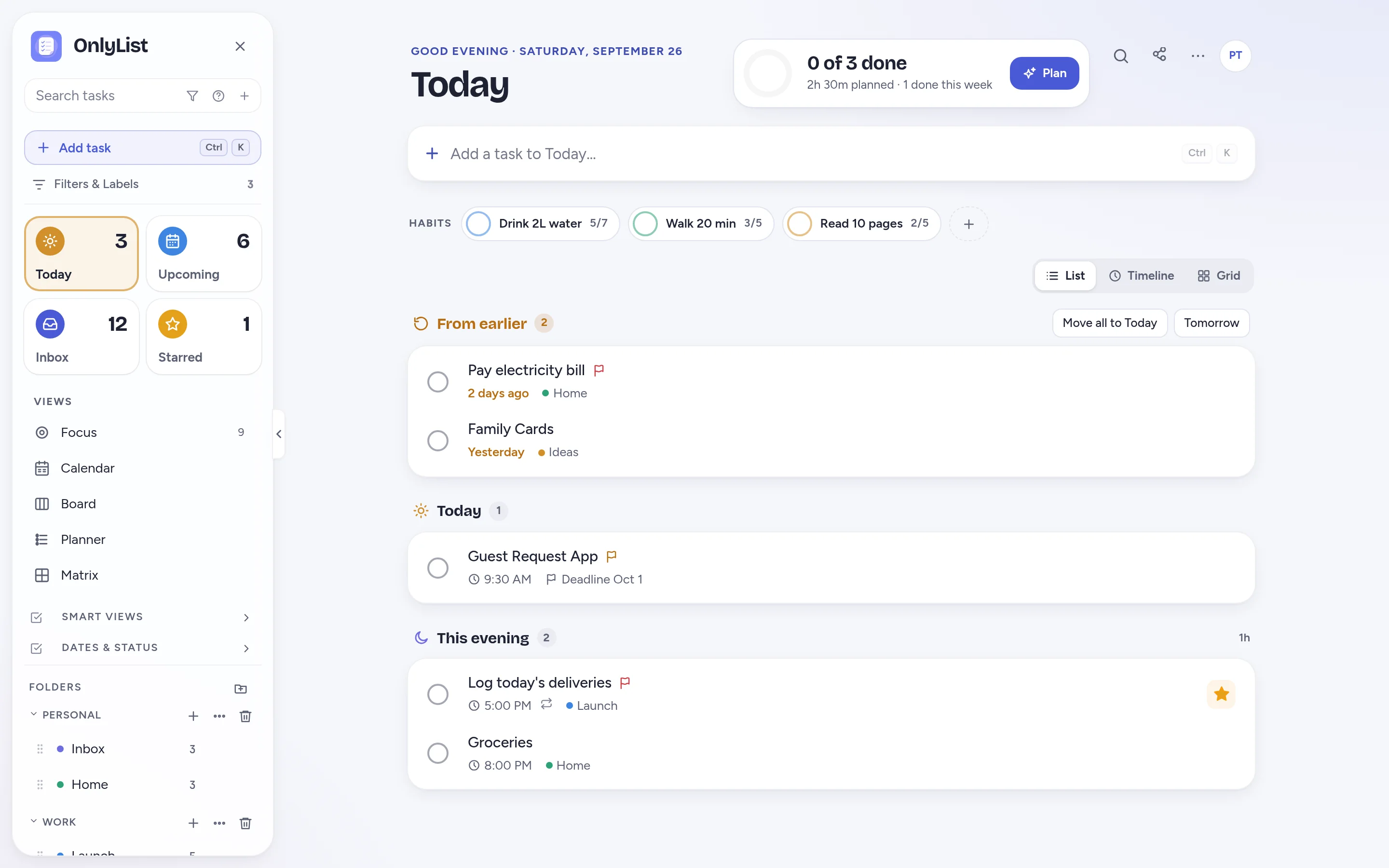
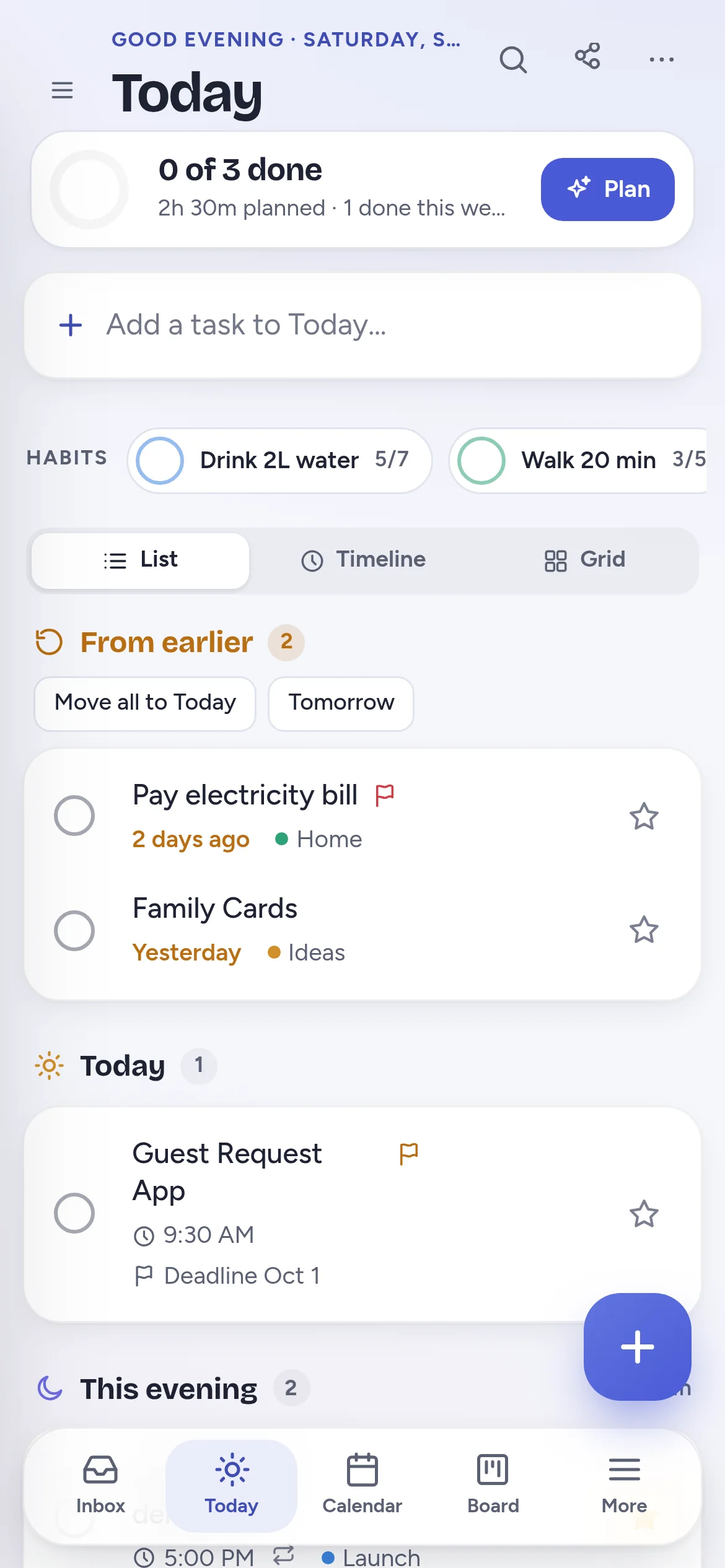
Invites
Share one list, not your whole life.
Sharing is per list. Invite people to Groceries, and your other lists stay private.
- Invite anyone by email. They get a link and join in a minute.
- People you invite can join with a free account.
- Share as many lists as you like with one Premium plan.
Real time
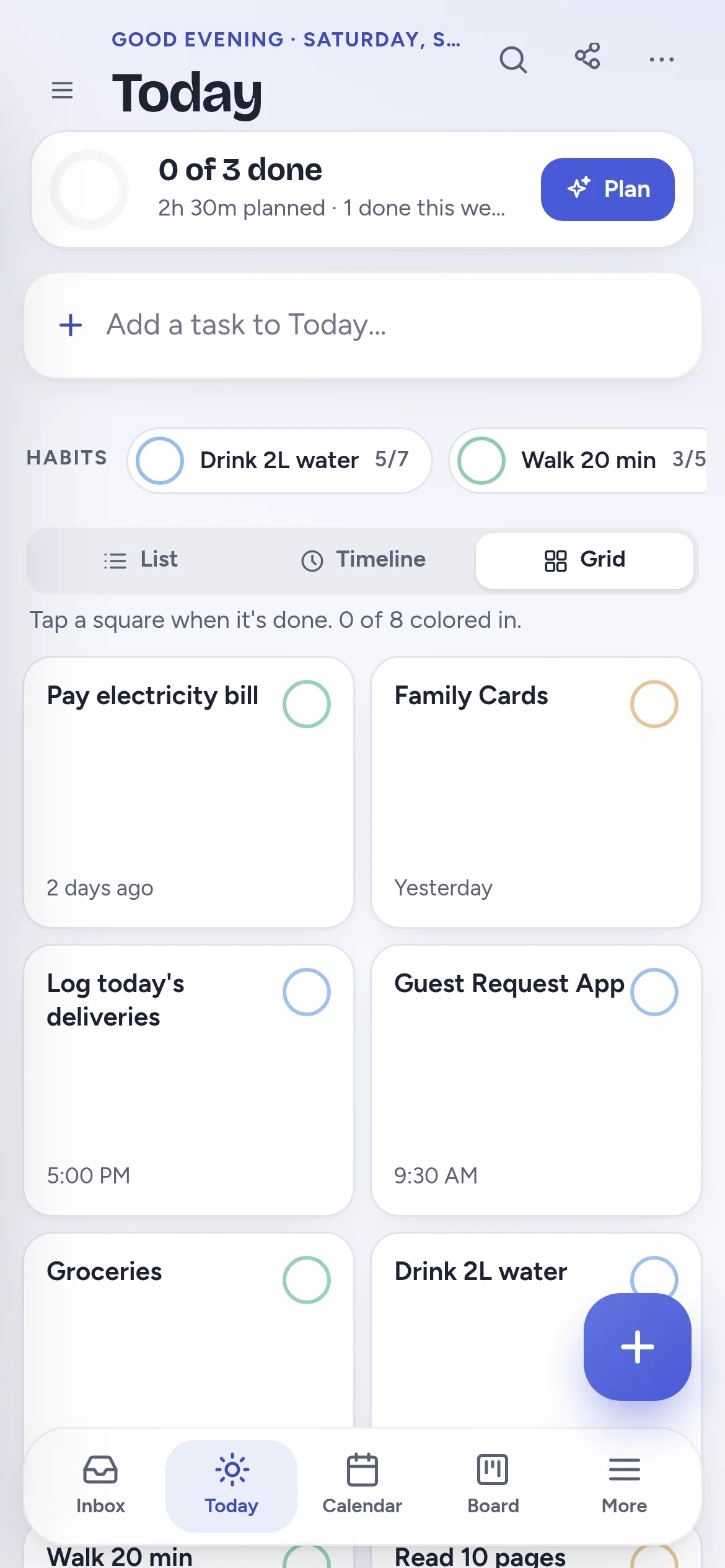
Changes show up for everyone.
When someone adds milk or ticks off the bins, everyone sees it within seconds. No refreshing, no “did you get it?” messages.
- Add tasks, tick them off, and edit dates, notes and subtasks together.
- Reminders and repeats work on shared tasks too.
Board
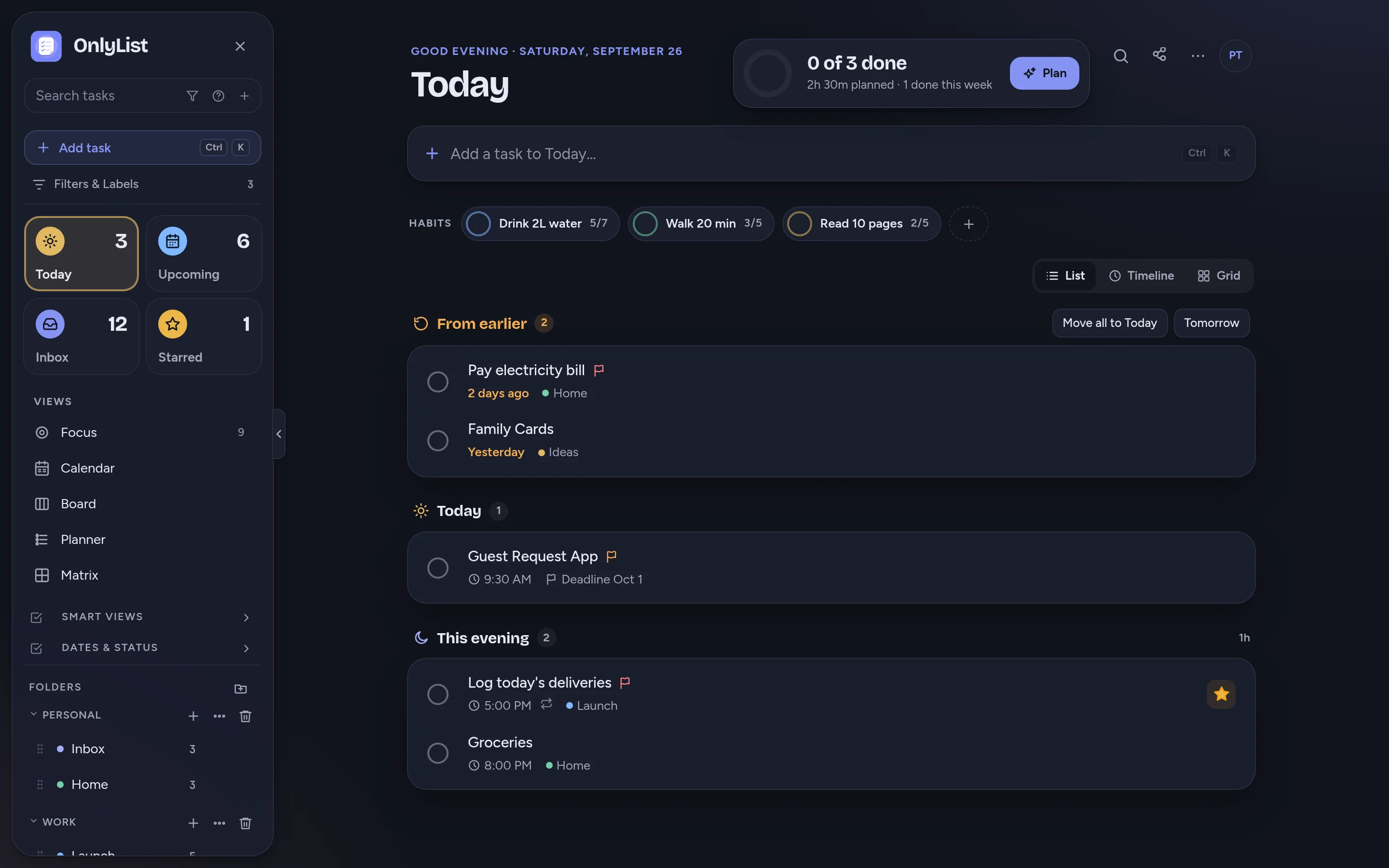
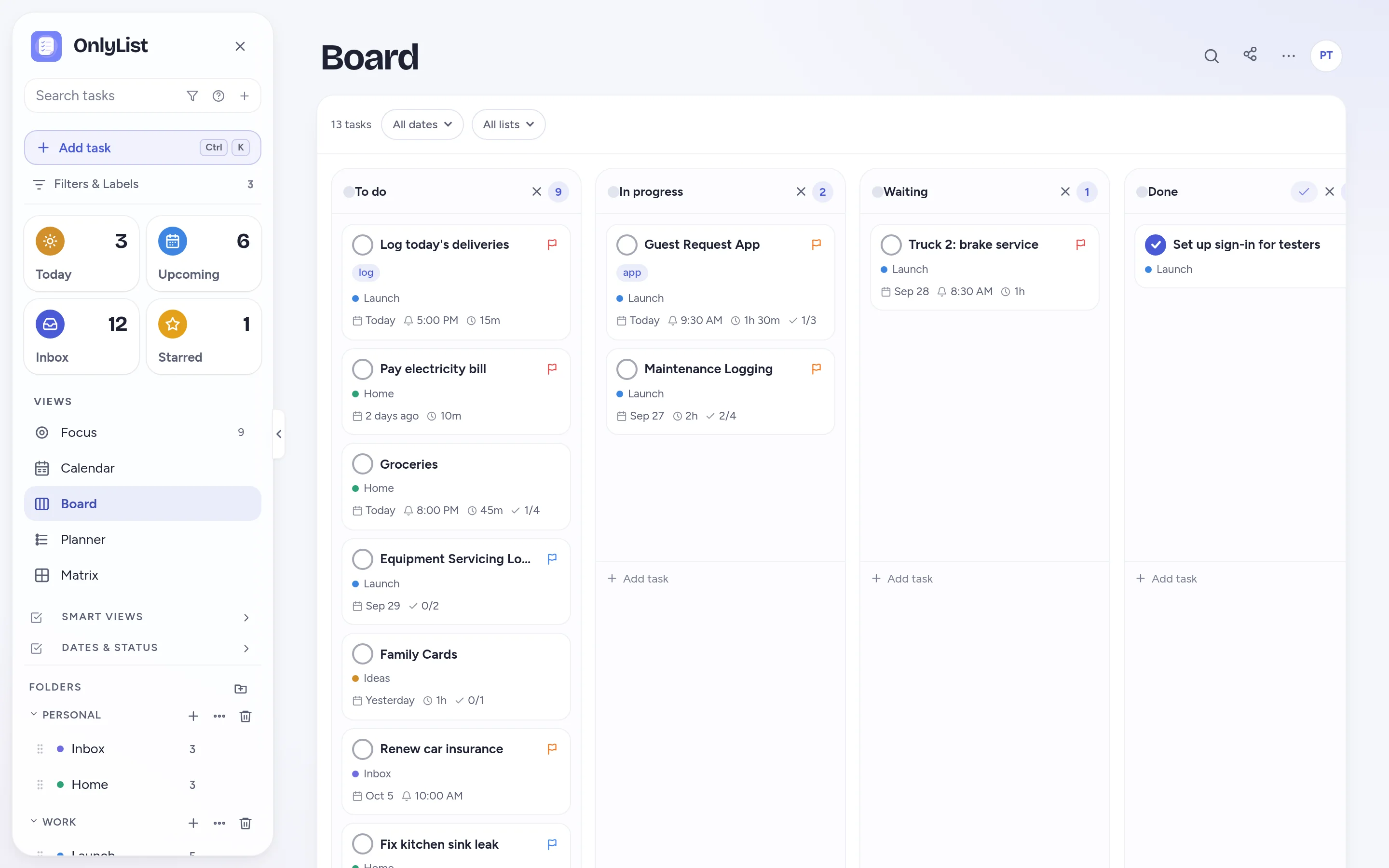
Shared projects can move on a board.
Planning a move or a trip? Share the list and follow it on the Board, with columns everyone can drag cards between.
- Rename columns to fit the project.
- Switch back to the list any time.
What sharing is good for
What shared lists are good for.
Household
Groceries, repairs, chores and errands. Two people remembering beats one person guessing.
Partners
Travel prep, gift ideas, weekend plans and shared routines.
Small teams
Client follow-ups, content plans and recurring admin.
Family
School pickups, appointments and meal plans.
Free: unlimited lists and tasks, reminders, snooze, repeats, the Today list and grid, habits, the Focus timer, search, all 9 color schemes and export. Premium ($2.99 a month or $19.99 a year) adds sync across devices, Timeline, Calendar, Board, Planner and Matrix, shared lists, attachments and daily backup. Compare plans
FAQ
Questions people reasonably ask.
How do I share a list?
Open the list, choose Share, and enter someone's email. They get an invite link. Once they accept, you both see and edit the same list in real time.
Do the people I invite need to pay?
No. The person who shares the list needs Premium. People you invite can join with a free account.
How many lists can I share?
As many as you like, with as many people as you like, on one Premium plan.
What can collaborators do?
Add tasks, tick them off, and edit titles, dates, notes, subtasks and reminders. Lists you haven't shared stay private.
Does it update in real time?
Yes. Changes show up for everyone on the list within seconds, without refreshing.
Keep exploring
Other ways to use OnlyList.
Start with one task.
Open OnlyList in your browser, then install it to your home screen. The free plan needs no card and has no ads.
Android: open myonlylist.com/app in Chrome, tap ⋮, then Install app.
iPhone and iPad: open it in Safari, tap Share, then Add to Home Screen.
Computer: in Chrome or Edge, click the install icon in the address bar.