 OnlyList
Kanban task board
A task board for work that wants to move.
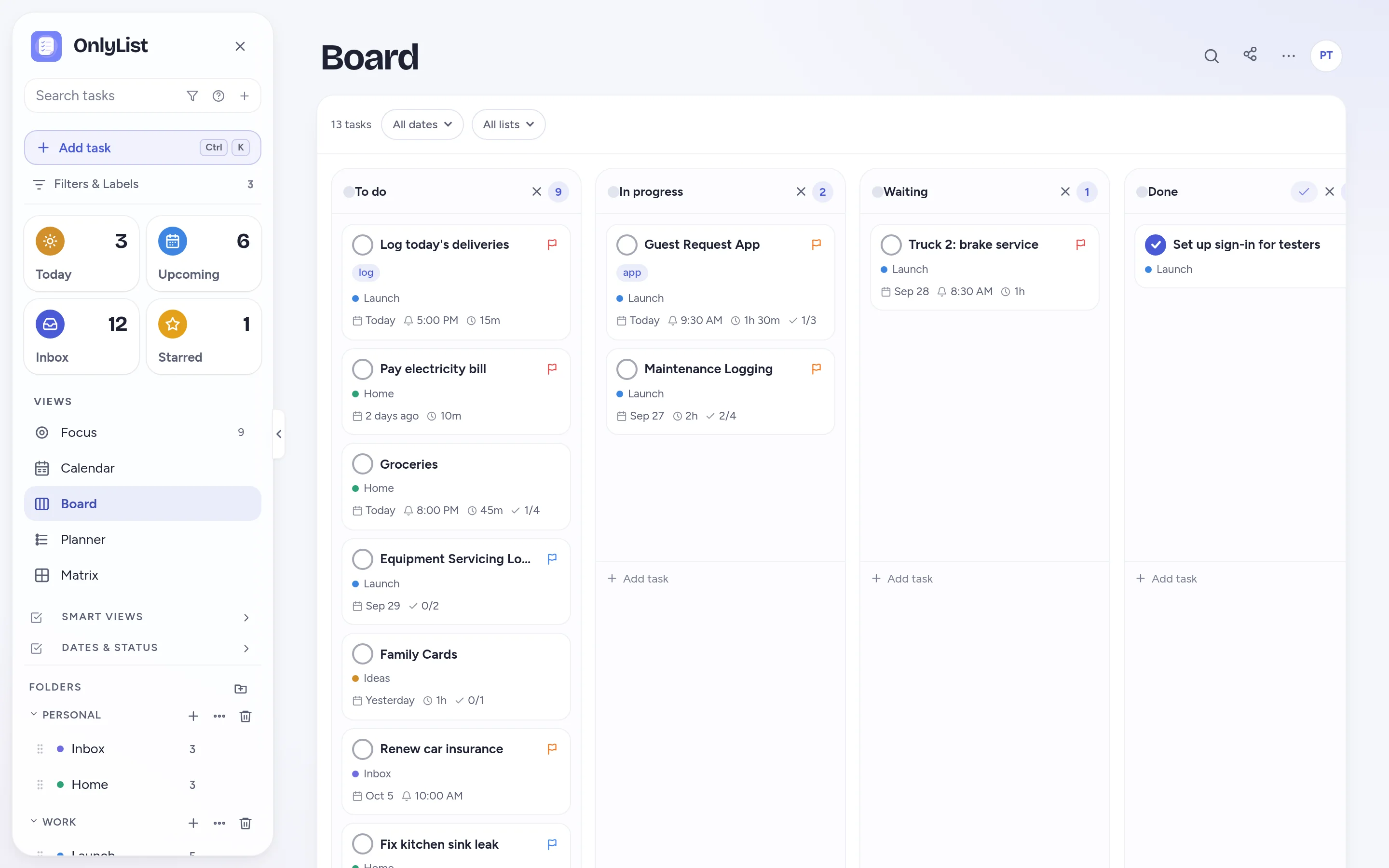
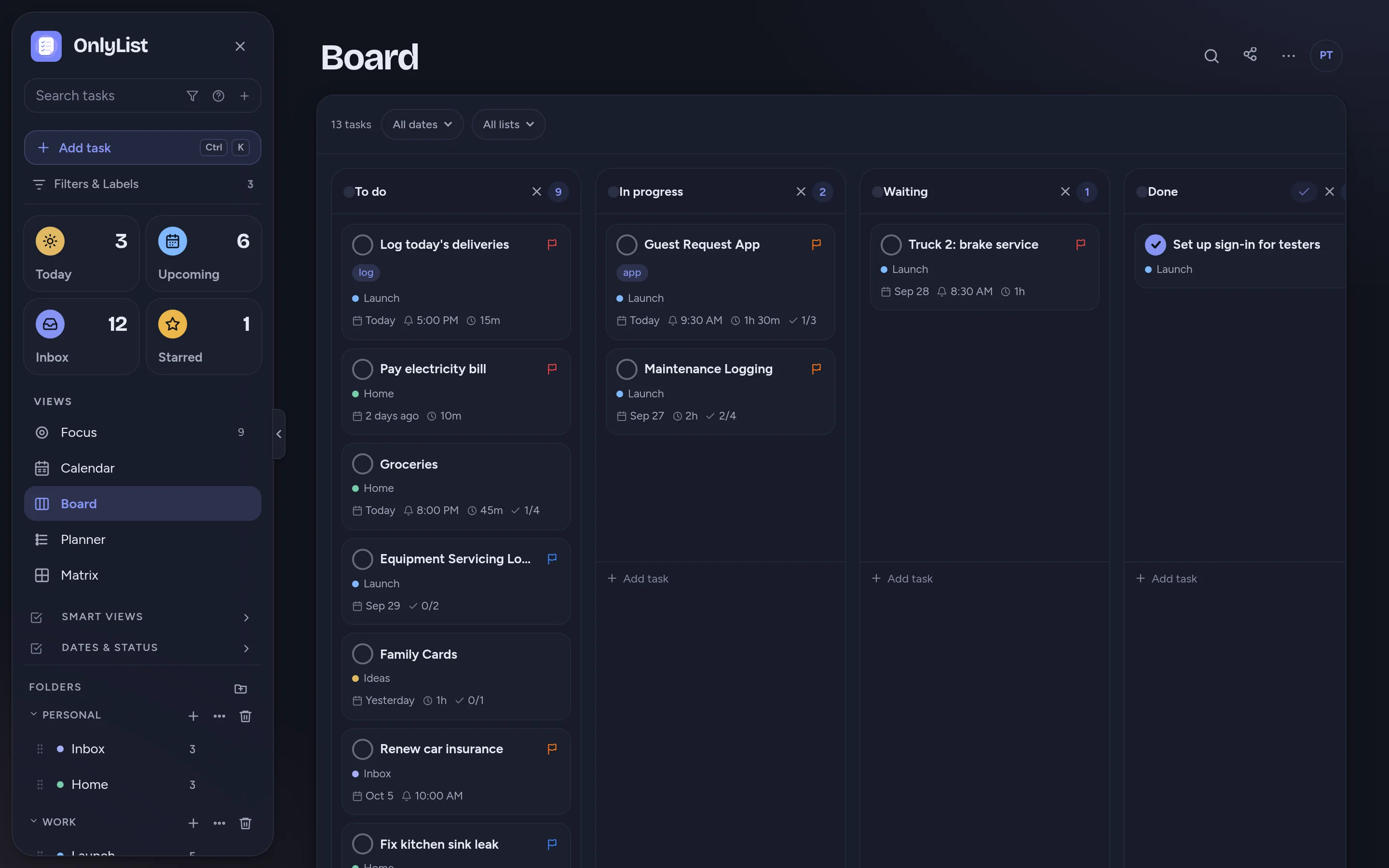
See tasks as cards in columns. Drag them from To do to Done, rename the columns, add your own, and switch back to a list whenever you like.
Board
Visual planning, still connected to your lists.
The Board is another way of looking at the same tasks. Nothing to import, nothing to keep in sync by hand.
- Four columns to start: To do, In progress, Waiting and Done.
- Click a column title to rename it. Add or remove columns.
- Dropping a card in the last column completes the task.
Cards
Cards that tell you enough.
Each card shows its list, date, time estimate and subtask progress, plus a flag for priority. Open a card to see the full task.
- Filter by list to see one project's board.
- Filter by date to see only this week's work.
Matrix
When the To do column gets long.
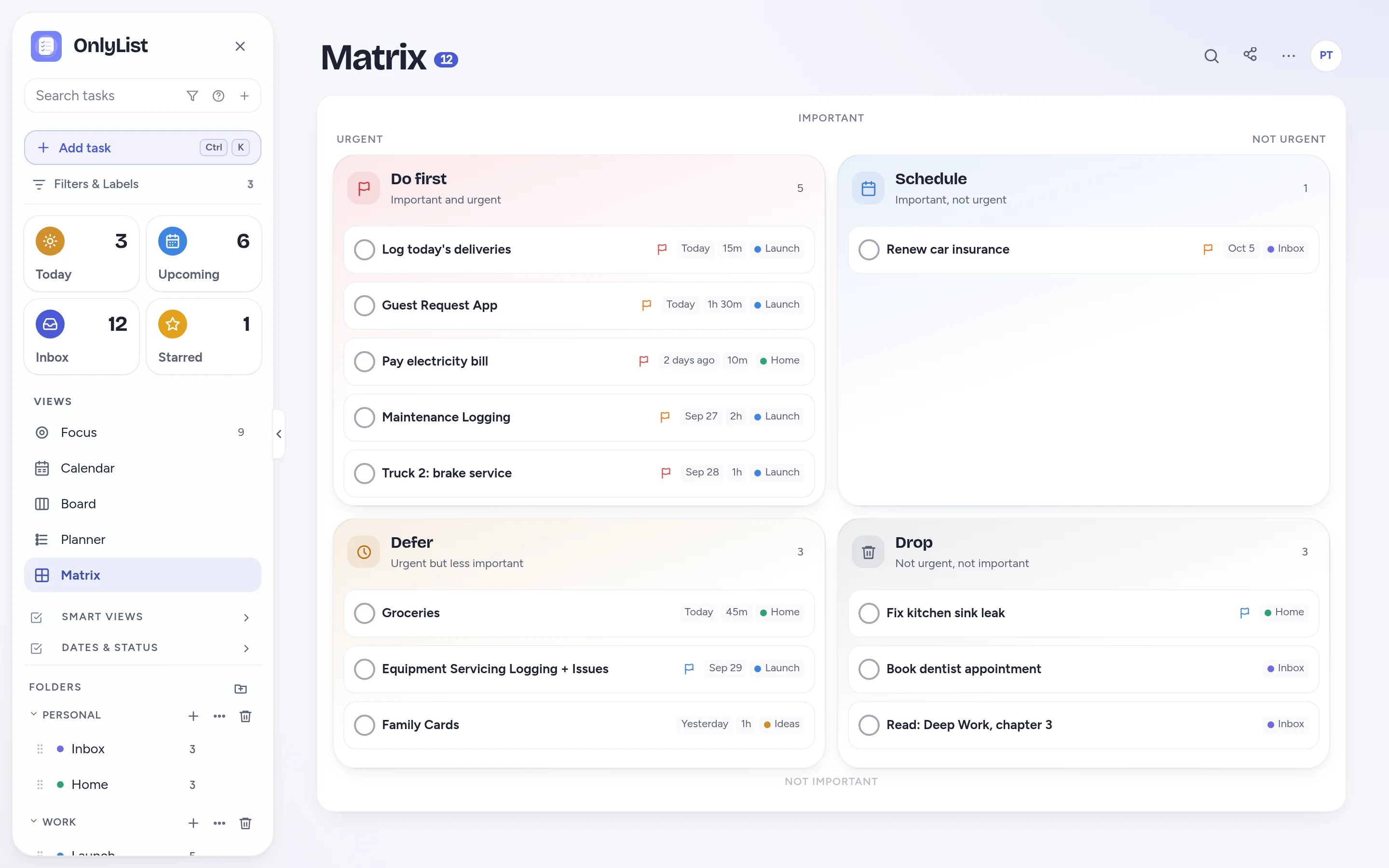
Switch to the Matrix to decide what goes first. Important and urgent tasks rise to the top-left, and the rest find their place.
- Drag between quadrants to change priority or date.
When a board helps
When a board is better than a list.
Work with stages
Writing, reviews, client work and anything that waits on someone.
Shared projects
Share a list by email and move cards together in real time.
Home projects
Renovations, moving house, planning a trip.
Back to the list
Switch views at any moment. The tasks don't change.
Free: unlimited lists and tasks, reminders, snooze, repeats, the Today list and grid, habits, the Focus timer, search, all 9 color schemes and export. Premium ($2.99 a month or $19.99 a year) adds sync across devices, Timeline, Calendar, Board, Planner and Matrix, shared lists, attachments and daily backup. Compare plans
FAQ
Questions people reasonably ask.
Can I customize the board columns?
Yes. Click a column title to rename it, add new columns, or remove ones you don't need. The last column works as Done and completes tasks dropped into it.
Is the board separate from my lists?
No. It's the same tasks shown as cards. Move a card and the task's status updates everywhere.
Can I share a board with others?
Yes. Share a list by email with Premium and everyone sees the same tasks, on the board or in the list.
Is the Board free?
The Board is part of Premium, along with Timeline, Calendar, Planner and Matrix.
Does OnlyList work on my phone?
Yes. It runs in any modern browser on your phone, tablet or computer. Add it to your home screen for a full-screen app: in Chrome, choose Install app; on iPhone, open it in Safari, tap Share, then Add to Home Screen. An Android app for Google Play is in testing.
Keep exploring
Other ways to use OnlyList.
Start with one task.
Open OnlyList in your browser, then install it to your home screen. The free plan needs no card and has no ads.
Android: open myonlylist.com/app in Chrome, tap ⋮, then Install app.
iPhone and iPad: open it in Safari, tap Share, then Add to Home Screen.
Computer: in Chrome or Edge, click the install icon in the address bar.