 OnlyList
Choosing a to-do list app
The best to-do list app is the one you don't abandon next Tuesday.
A good task app should be fast enough for groceries, flexible enough for work, and calm enough that opening it doesn't feel like checking in with a disappointed manager.
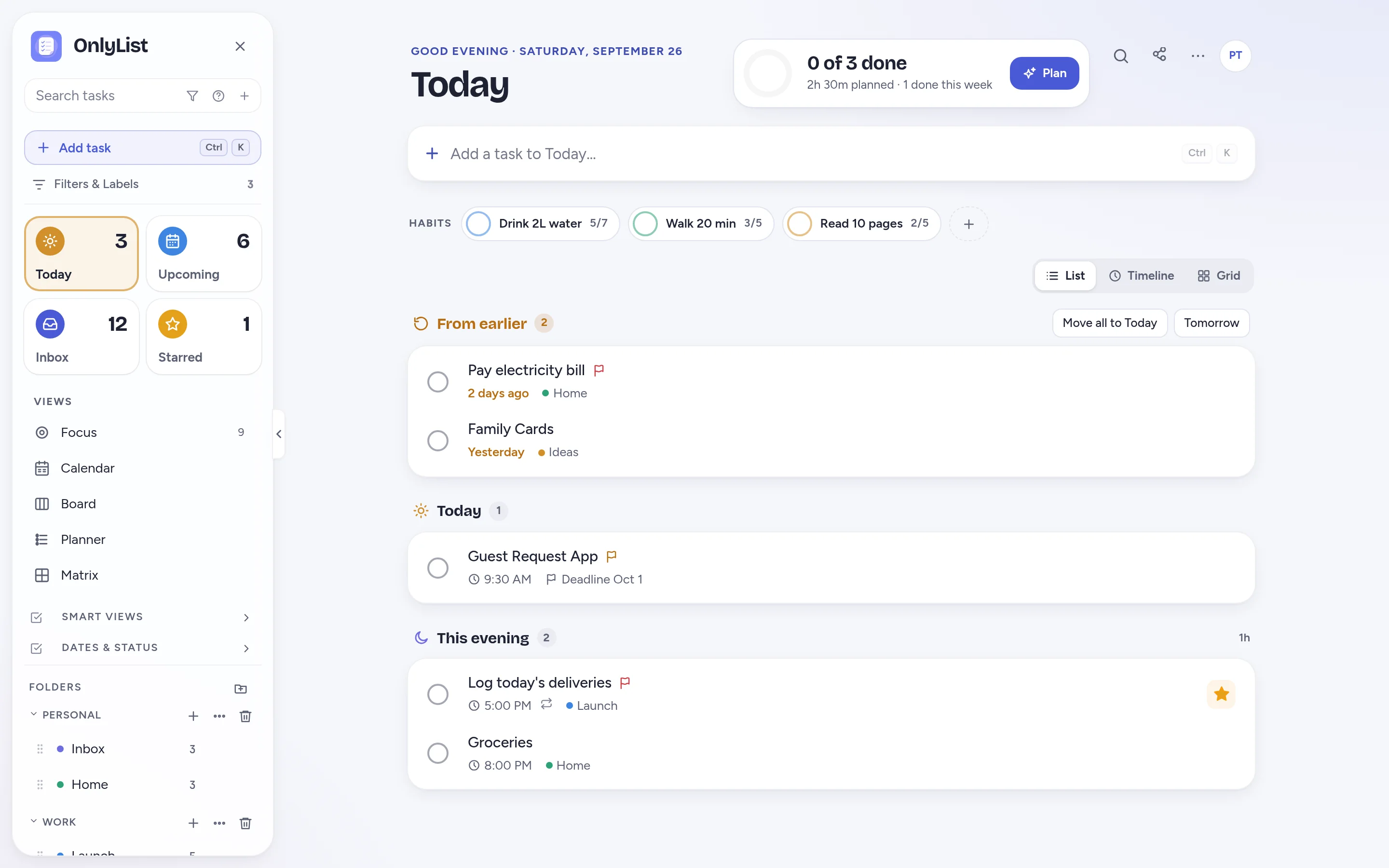
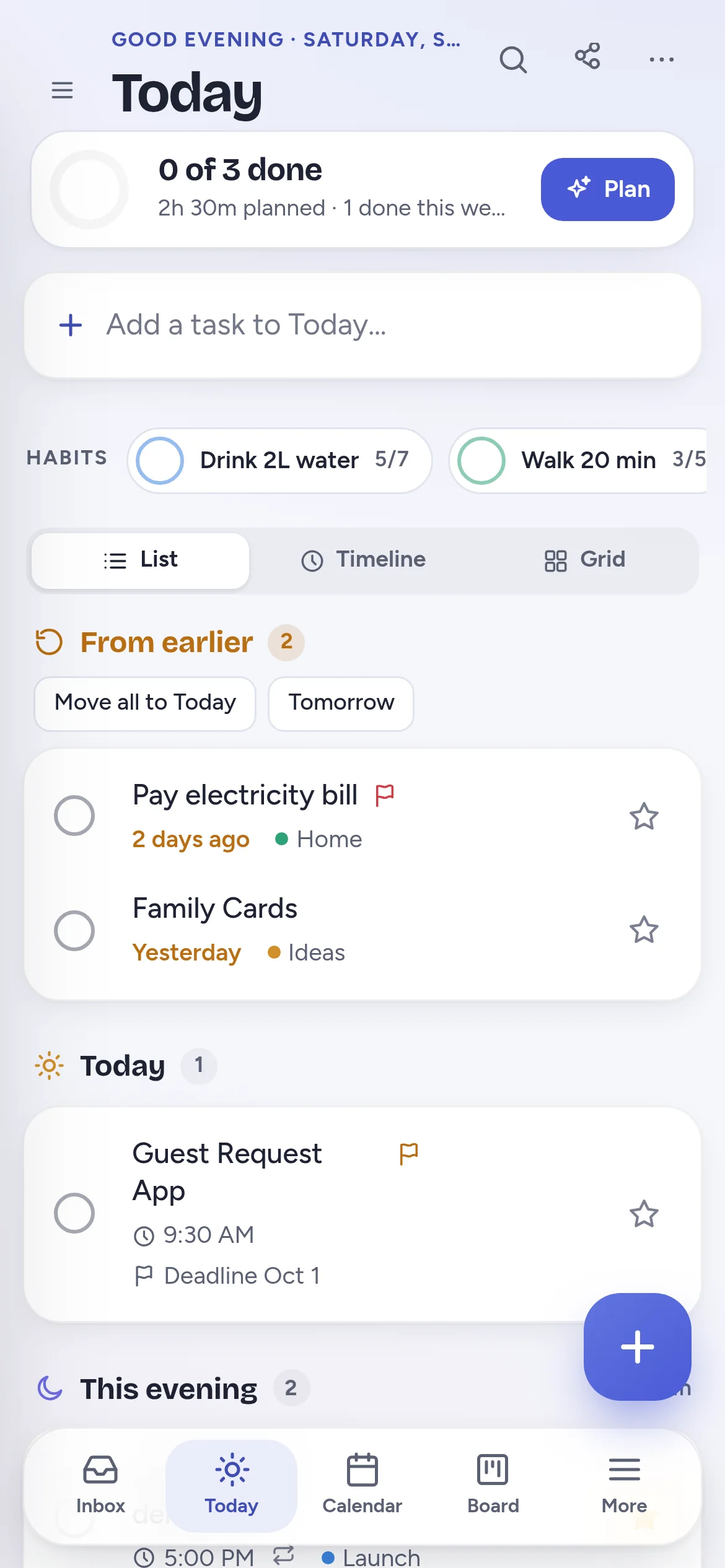
What to look for
What a good to-do list app should do.
Capture fast
Add a task without deciding every detail first. Sort it later.
Remind reliably
Reminders that ring when the app is closed, with snooze and repeats that work together.
Forgive missed days
Unfinished tasks should wait calmly, not turn into a wall of red.
Respect your data
No ads, no selling data, and export whenever you want.
Why OnlyList
Simple by default. Structured when you need it.
We read over 30,000 reviews of the biggest to-do apps and built OnlyList around the complaints that kept coming up.
- No guilt pile: missed tasks wait in From earlier, or roll forward on their own.
- Reminders you can trust: they ring when the app is closed and can keep reminding until done.
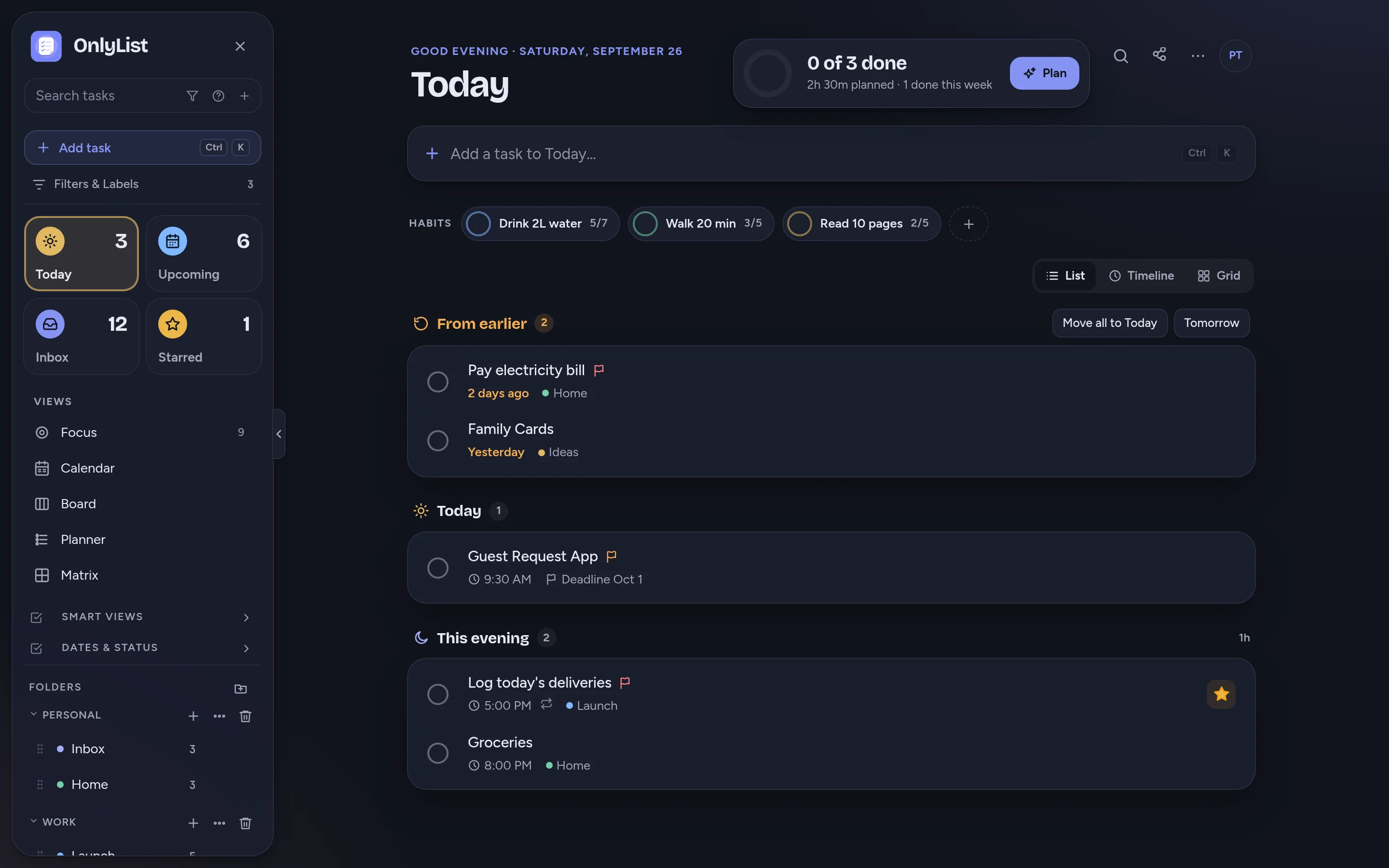
- Your day, three ways: Today as a list, a timeline or a grid.
- The basics stay free: reminders, repeats, subtasks, restore and export.
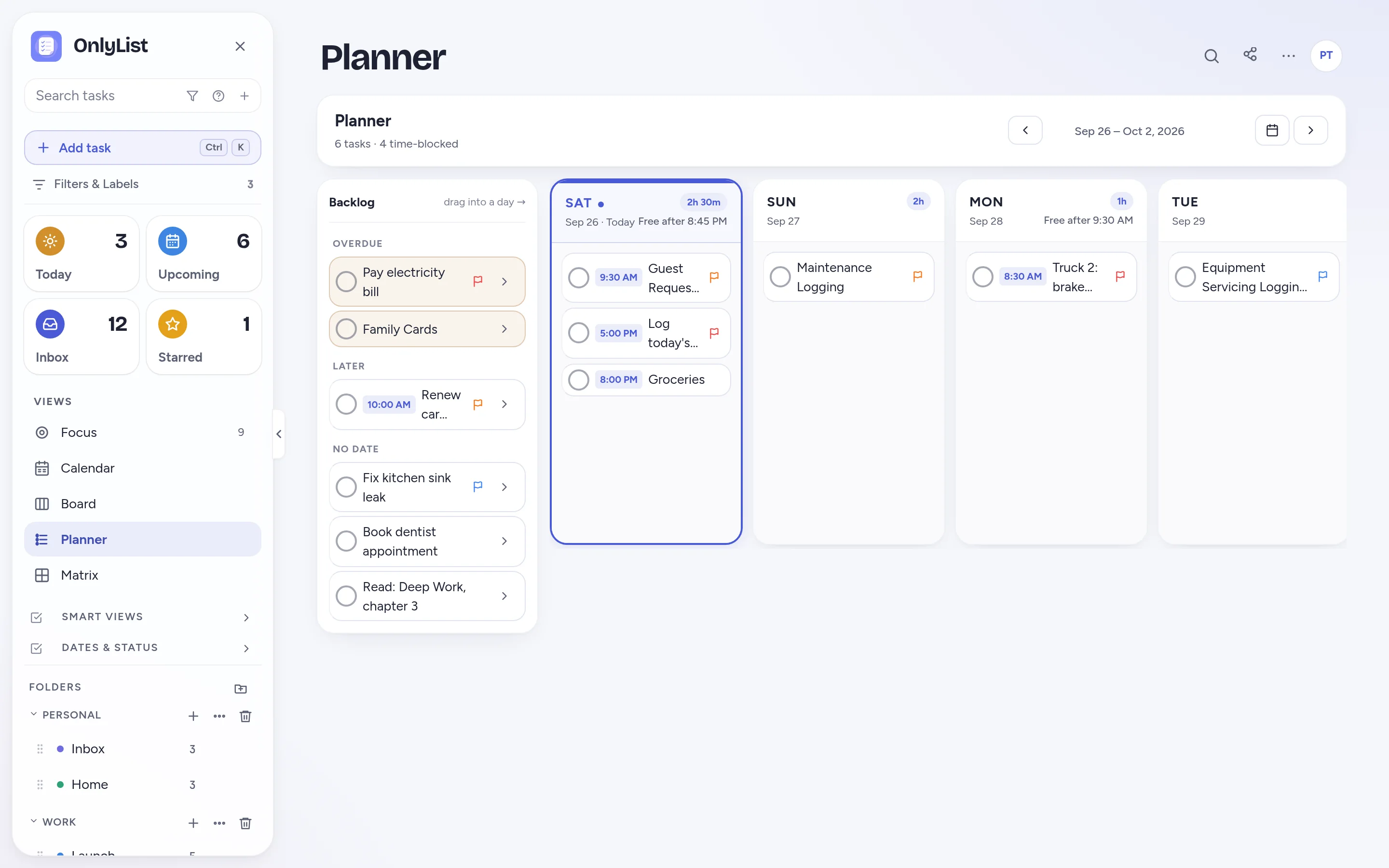
Room to grow
Planning views when a plain list starts wheezing.
Premium adds Calendar, Board, Planner and Matrix. They show the same tasks, so switching costs nothing.
- Sync across phone, tablet and computer.
- Shared lists by email, updated in real time.
- File attachments and automatic daily backup.
At a glance
What's free and what's Premium.
| Feature | Free | Premium |
|---|---|---|
| Unlimited lists, tasks and subtasks | Yes | Yes |
| Reminders, snooze and repeating tasks | Yes | Yes |
| Today list and grid, habits, Focus timer | Yes | Yes |
| 9 color schemes, dark mode, text size | Yes | Yes |
| Trash, undo and export (JSON, CSV) | Yes | Yes |
| Sync across devices and daily backup | No | Yes |
| Timeline, Calendar, Board, Planner, Matrix | No | Yes |
| Shared lists and file attachments | No | Yes |
| Price | $0 | $2.99 a month or $19.99 a year |
FAQ
Questions people reasonably ask.
What should I look for in a to-do list app?
Fast capture, reliable reminders, repeating tasks, subtasks, search, a calm way to handle missed days, export, privacy, and a design that stays readable as your list grows.
Why choose OnlyList?
It keeps everyday lists simple and forgiving, with reminders that ring when the app is closed, a Today view you can see three ways, habits and a Focus timer. Planning views, sharing and sync are there in Premium when you need them.
Is OnlyList free?
Yes. The free plan has unlimited lists and tasks, reminders, repeats, habits, the Focus timer and export, with no ads. Premium is $2.99 a month or $19.99 a year.
Does OnlyList work on my phone?
Yes. It runs in any modern browser on your phone, tablet or computer. Add it to your home screen for a full-screen app: in Chrome, choose Install app; on iPhone, open it in Safari, tap Share, then Add to Home Screen. An Android app for Google Play is in testing.
Keep exploring
Other ways to use OnlyList.
Start with one task.
Open OnlyList in your browser, then install it to your home screen. The free plan needs no card and has no ads.
Android: open myonlylist.com/app in Chrome, tap ⋮, then Install app.
iPhone and iPad: open it in Safari, tap Share, then Add to Home Screen.
Computer: in Chrome or Edge, click the install icon in the address bar.