 OnlyList
To-do list app
A calm to-do list for normal, slightly messy life.
Type a task the way you'd say it. OnlyList picks up the date, time and priority, puts it on Today, and keeps everything else out of your way.
Quick capture
Type it like you'd say it.
“Call the garage tomorrow 9am !1” becomes a task for tomorrow at 9, with top priority. No forms, no date pickers.
- Press Ctrl K to add a task from anywhere in the app.
- Enter saves. Shift and Enter starts a new line.
- Add subtasks, notes and tags later, when the task turns out to be bigger than a sentence.
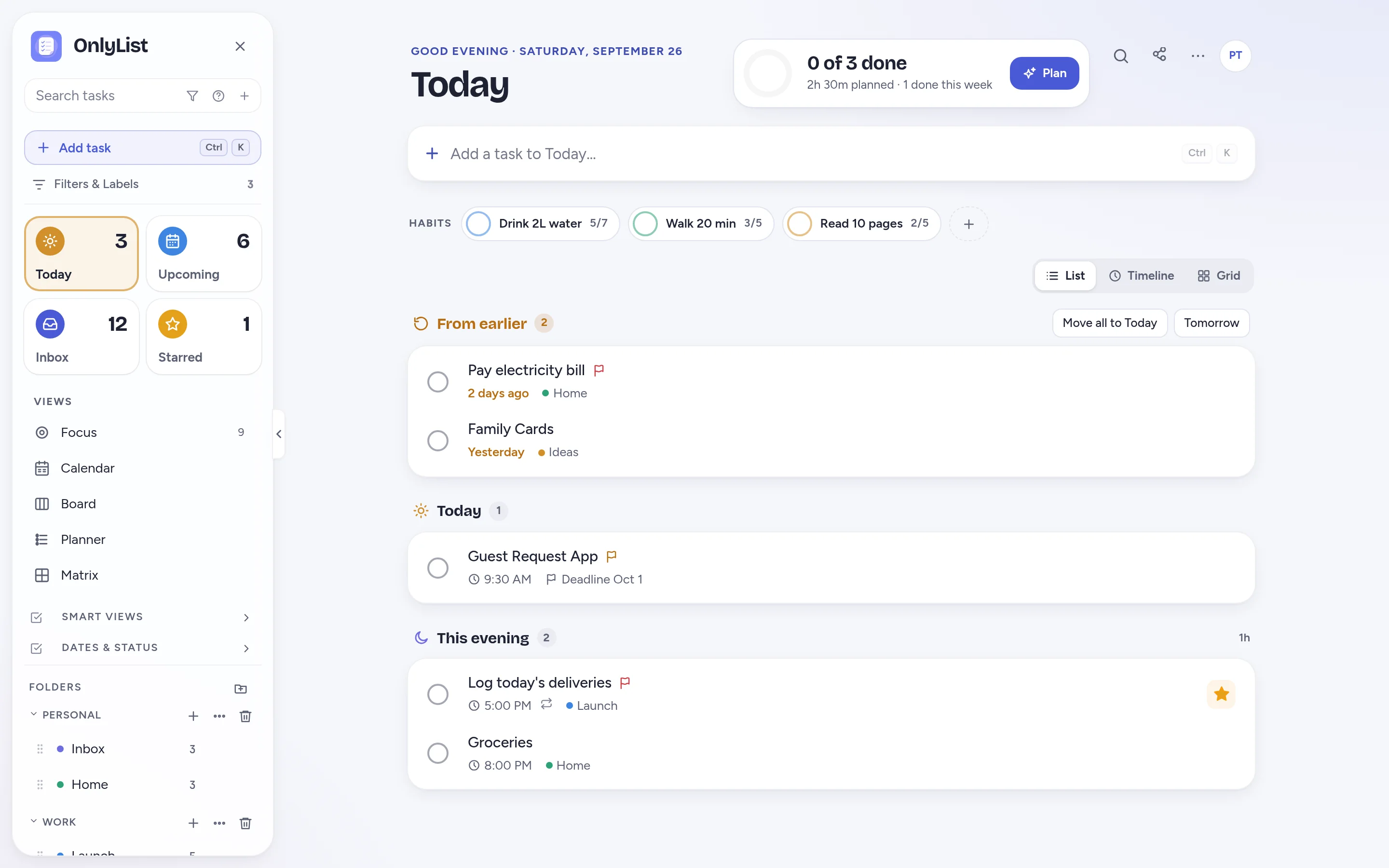
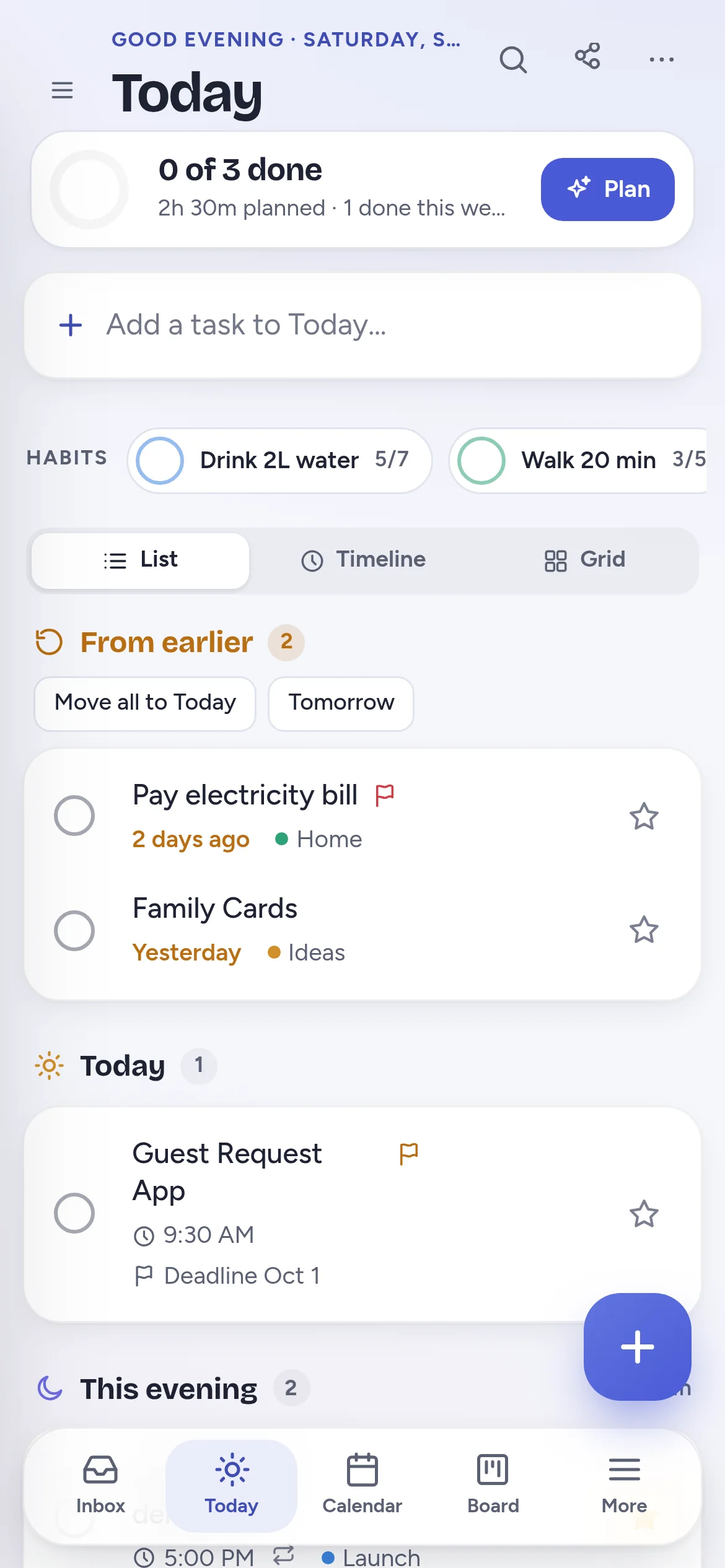
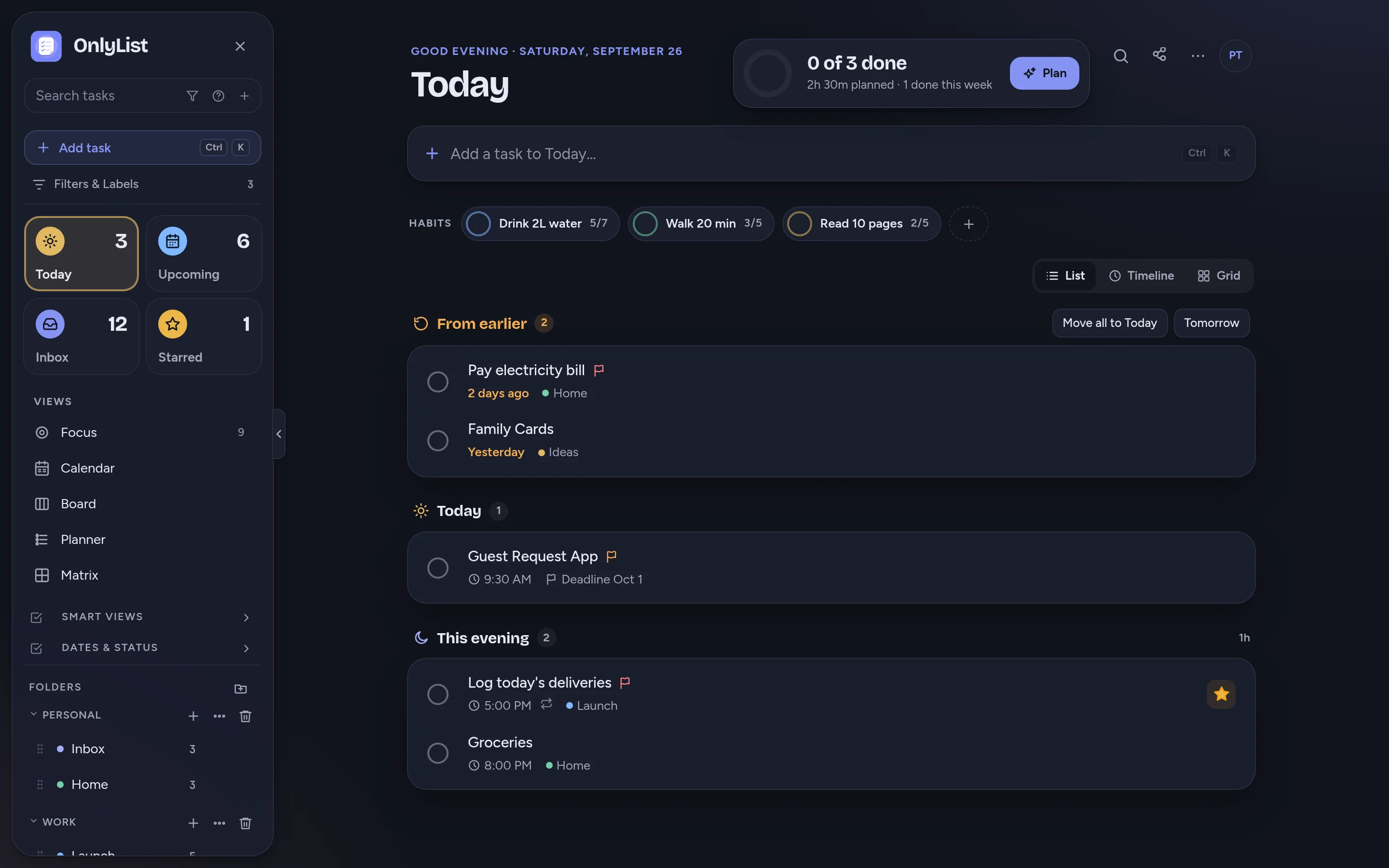
Today
Miss a day. Come back to a calm list.
Unfinished tasks wait in one quiet From earlier section. Move them all to today with one tap, or turn on rollover and they come along on their own.
- This evening keeps after-work tasks apart from the workday.
- A progress ring shows how much of today is done and how much time is planned.
- Tick things off and they move to the Logbook, grouped by day.
Upcoming
See what's coming, one day at a time.
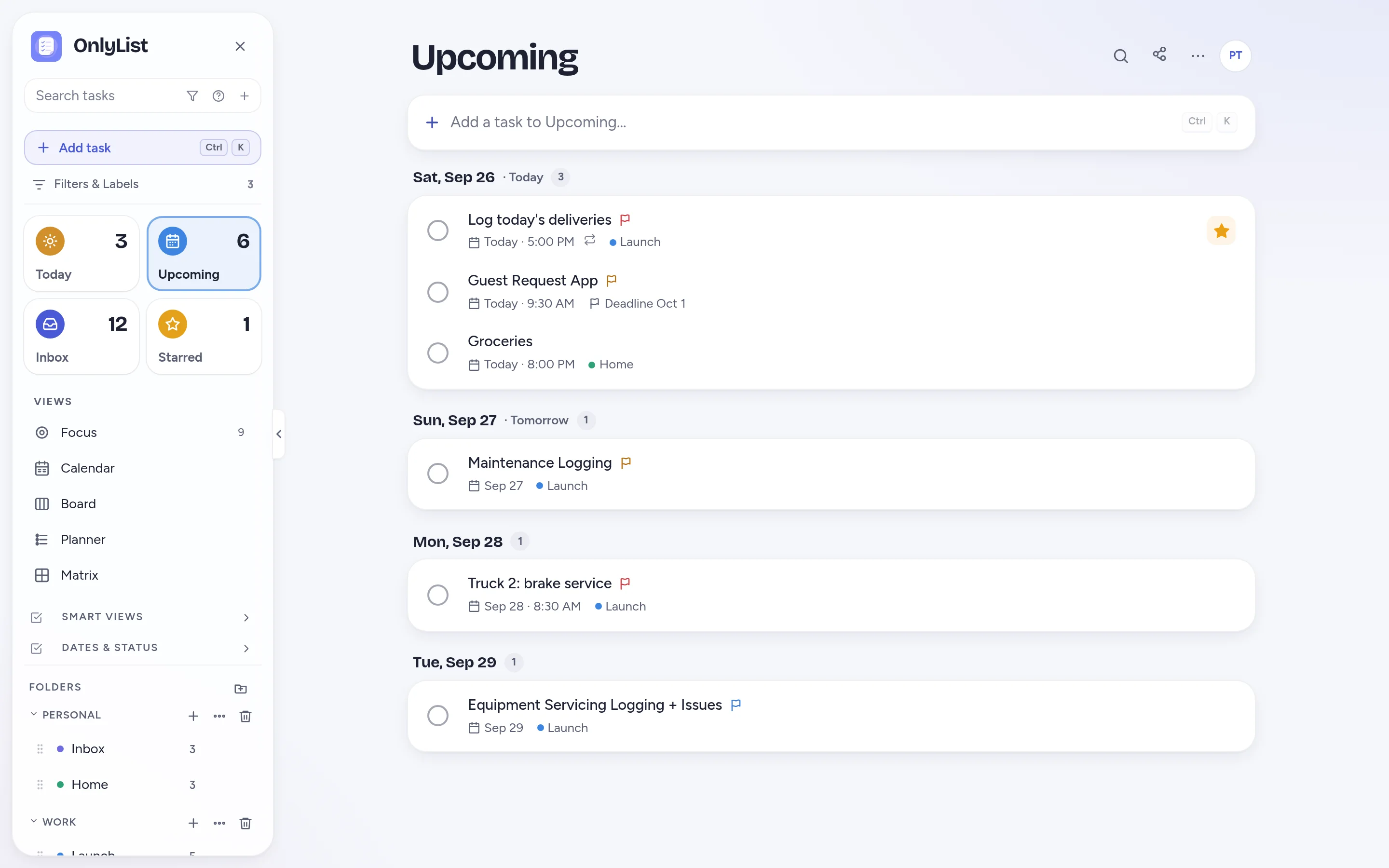
Upcoming lists the next tasks under each day, so tomorrow never sneaks up on you.
- Give a task a do date and, if it matters, a separate deadline.
- Snooze a task to later today, tomorrow or next week.
- Repeat every 2 weeks, yearly, from the day you finish, or until an end date.
Everyday lists
Simple enough for groceries. Flexible enough for work.
Lists and folders
Keep work, home, shopping and side projects apart, each with its own color.
Reminders that ring
Even when the app is closed. Finish or snooze straight from the notification.
Shared lists
Invite people by email and tick things off together. Part of Premium.
Search everything
Press / to find any task. Ctrl / jumps to any view or command.
Flexible repeats
Weekly bins, monthly bills, yearly birthdays. Skip one without losing the series.
Gentle habits
Weekly goals like “walk 5 times” sit right on Today.
Nothing gets lost
Deleted tasks wait in the trash. Undo is one tap away.
Private by design
No ads, no tracking pixels. Export to JSON or CSV any time.
Free: unlimited lists and tasks, reminders, snooze, repeats, the Today list and grid, habits, the Focus timer, search, all 9 color schemes and export. Premium ($2.99 a month or $19.99 a year) adds sync across devices, Timeline, Calendar, Board, Planner and Matrix, shared lists, attachments and daily backup. Compare plans
FAQ
Questions people reasonably ask.
Is OnlyList free to use?
Yes. The free plan includes unlimited lists, tasks and subtasks, reminders, snooze, repeating tasks, the Today list and grid, habits, the Focus timer, search, all 9 color schemes, dark mode, trash and export. No card and no time limit.
Can I use it for shopping lists and household tasks?
Yes. Make a Shopping list and a Home list and give each a color. Add repeating tasks for things that come back every week or month. With Premium, share a list with your household by email and tick things off together.
Does OnlyList work on my phone?
Yes. It runs in any modern browser on your phone, tablet or computer. Add it to your home screen for a full-screen app: in Chrome, choose Install app; on iPhone, open it in Safari, tap Share, then Add to Home Screen. An Android app for Google Play is in testing.
Can I share a to-do list with someone?
Yes, with Premium. Invite anyone by email. They can add tasks, tick things off and edit details, and changes show up for everyone right away. People you invite can join with a free account.
What if I need more than a simple list?
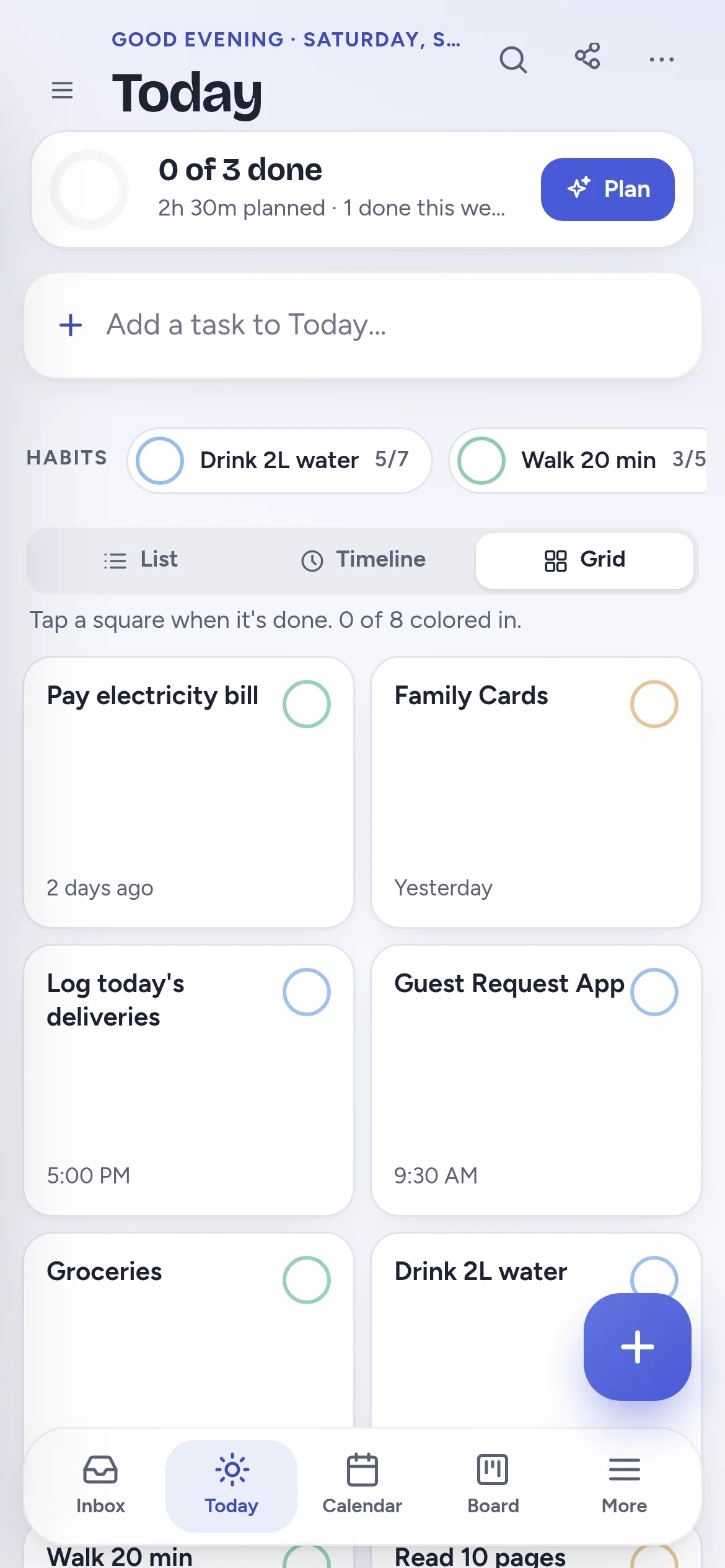
Start with the list and add structure when a task earns it. Today can switch to a timeline or a grid. Premium adds Calendar, Board, Planner and Matrix views of the same tasks.
Keep exploring
Other ways to use OnlyList.
Start with one task.
Open OnlyList in your browser, then install it to your home screen. The free plan needs no card and has no ads.
Android: open myonlylist.com/app in Chrome, tap ⋮, then Install app.
iPhone and iPad: open it in Safari, tap Share, then Add to Home Screen.
Computer: in Chrome or Edge, click the install icon in the address bar.